


Ideal tool to create presentations and tutorials
When it comes to conducting a presentation using our PC as the main tool, it is important to have an application like PowerPoint, but it will always come in very handy to have a tool that will allow us to enlarge certain areas of the screen, and with which we'll be able to write on top of it as if it was a whiteboard.
Improve how you carry out presentations using your computer
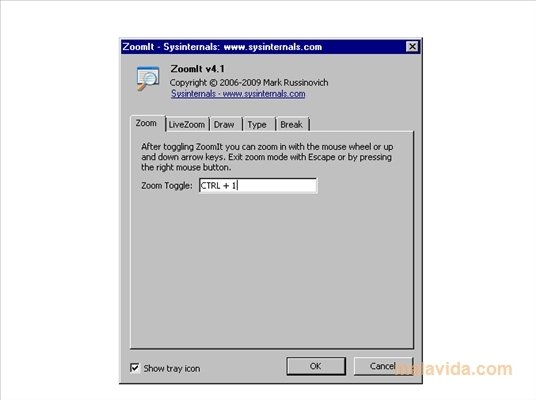
ZoomIt is an ideal tool for this kind of task because by means of a set of keyboard shortcuts we'll be able to enlarge the area of the screen of our choice, allowing us to apply more or less zoom by means of the mouse wheel, as well as allowing us to write or draw directly on top of what we are seeing.
The application stays in the system stray at all times, so we can modify any parameter whenever we want (color and thickness of the pencil, size of the font, keyboard shortcuts).
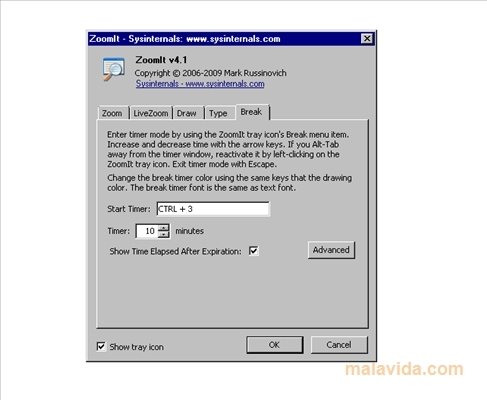
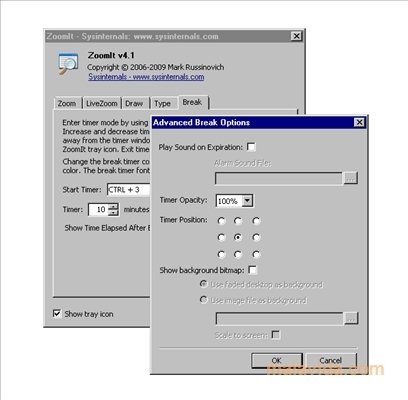
Another interesting option is that it allows us to program countdowns when we enter zoom mode, so once the time finishes, the screen returns to its normal appearance, something that's great for short explanations.
 Héctor Hernández
As a technology journalist with over 12 years of experience in the world of software and apps, I have had the opportunity to try all kinds of devices and operating systems over the years. I have done from software or mobile applications reviews...

Antony Peel